

1. Save your work in Conductor
Do this before November 13 if you can.- Push every branch you want to keep, including new files.
- Move your chats to your Mac. Right-click each cloud workspace and choose Transfer to local.
- Copy your setup. Save your setup scripts, environment variable values, and gitignored files such as
.env.
Using the local Conductor app? It keeps working until early 2027. Push your branches, then start at step 2.
2. Set up Tembo
- Connect GitHub. In Integrations, install GitHub and select your repositories.
- Add environment variables in Settings > Sandbox. See Environment variables.
- Create a project in Settings > Projects to replace your Cloud Computer. Select your repositories and add your setup script, replacing
CONDUCTOR_*variables with paths under/workspace. Sandboxes run NixOS, so install packages withtembo.nixinstead ofdnf. See Projects.
3. Import your chats
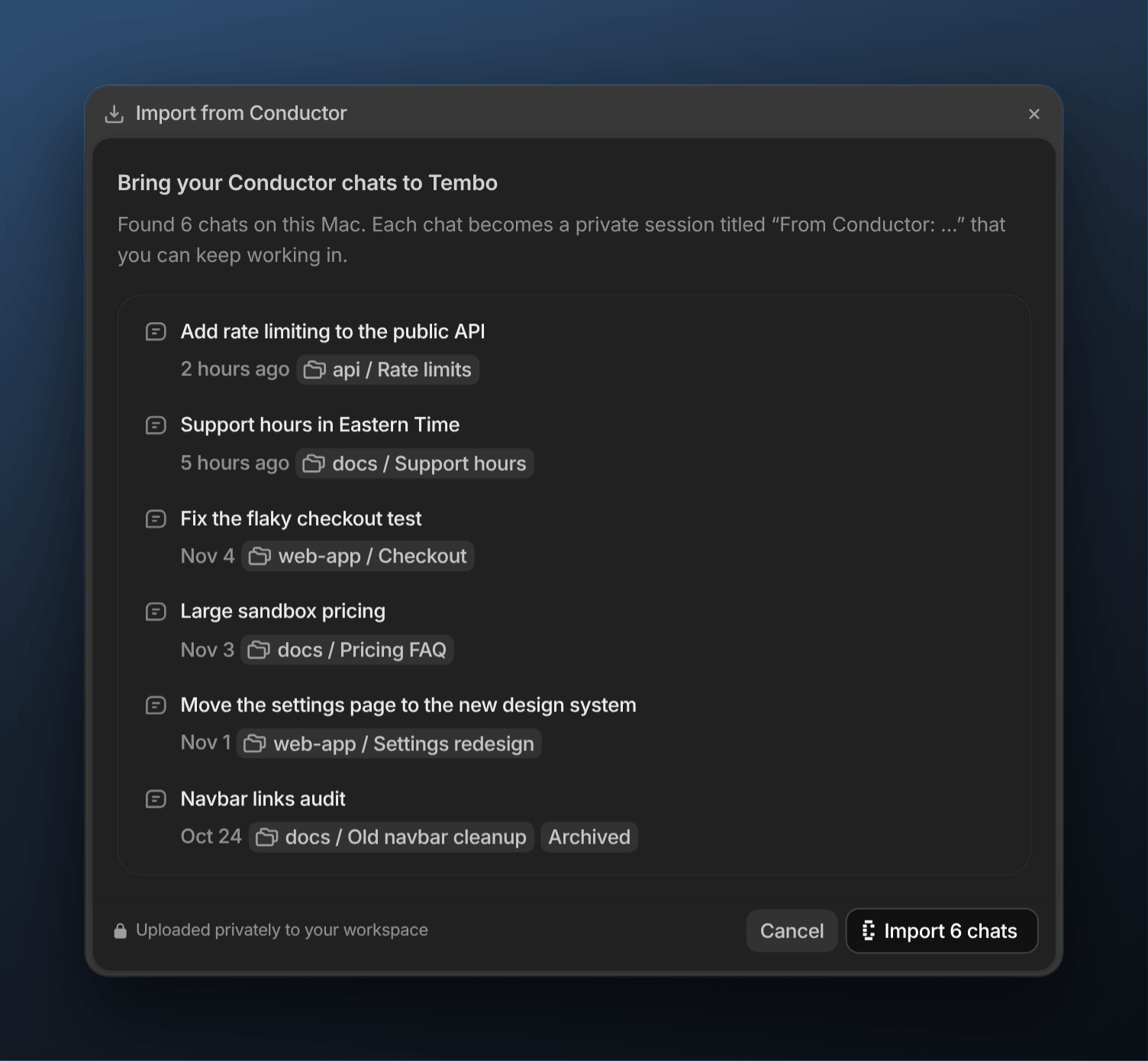
In the Tembo desktop app for macOS, open Settings > Import, click Import from Conductor, then click the import button, such as Import 6 chats.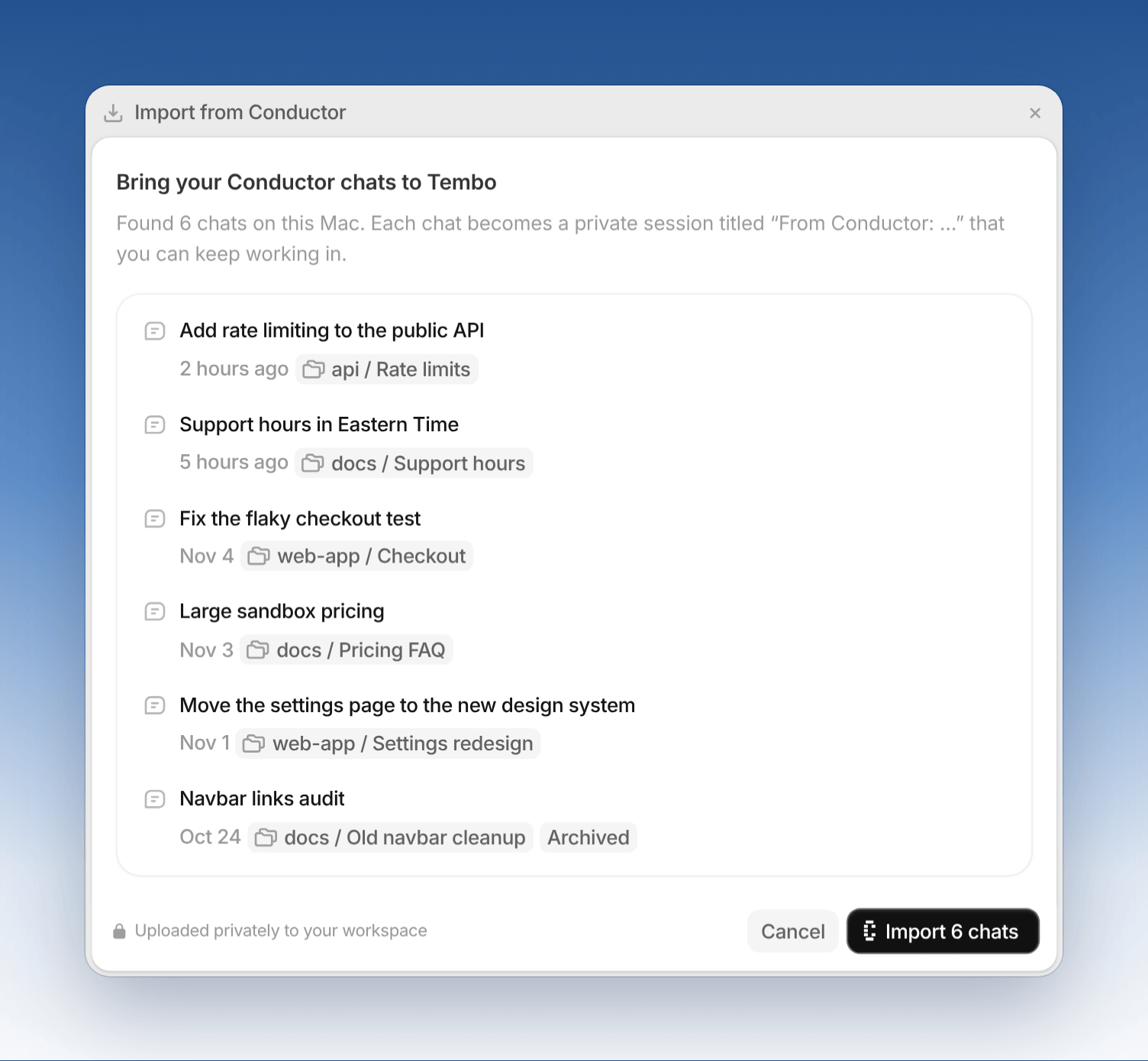
4. Keep working
- On a branch: comment
@temboon the branch’s pull request, such as “@tembo finish the remaining work on this branch.” See Mentioning Tembo. - In an imported chat: send a follow-up that names the branch. The agent, whichever you pick, gets the earlier conversation as context.
- Routines: recreate them as agents with schedules or triggers.